8K Ultrasound Images
Turn your ultrasound into a realistic AI baby portrait.
It can be hard to make out those tiny features in an ultrasound. Create a keepsake to share with family and hold onto the excitement of meeting your baby.
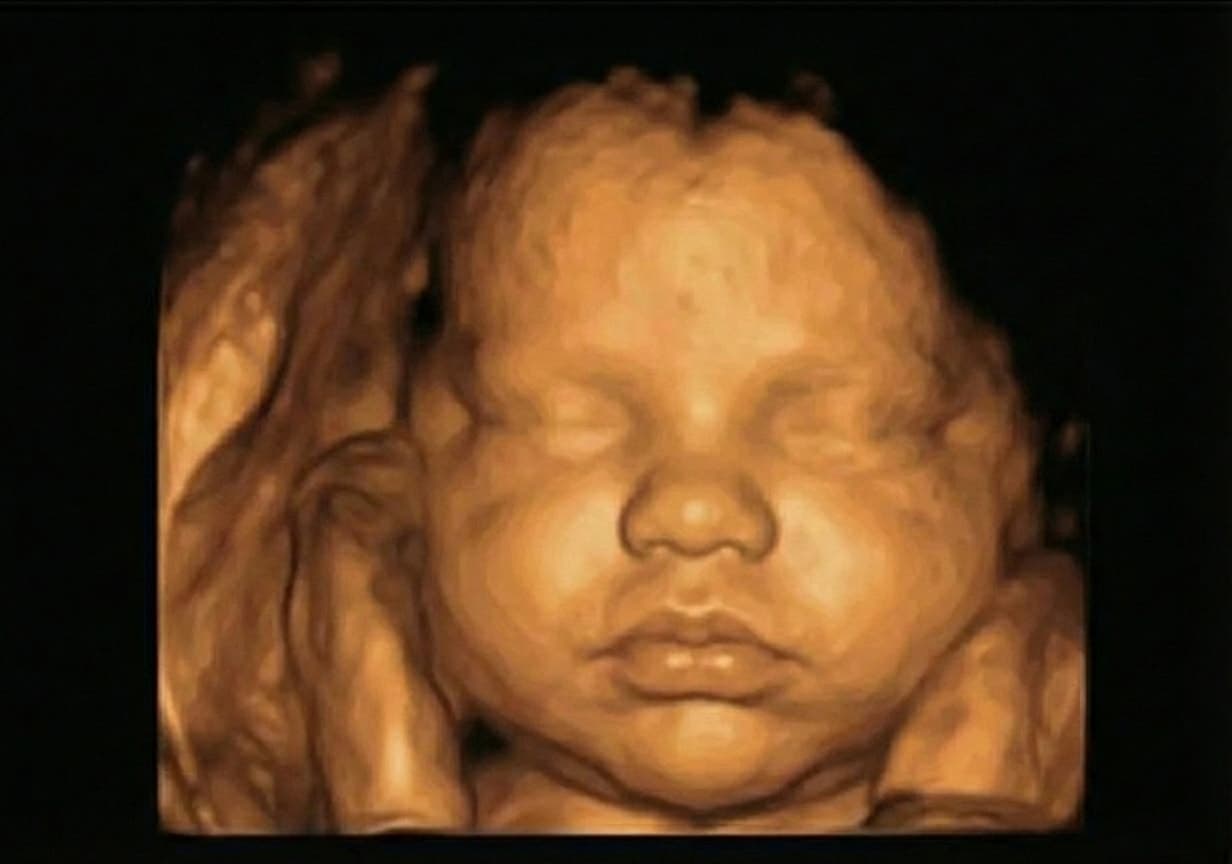
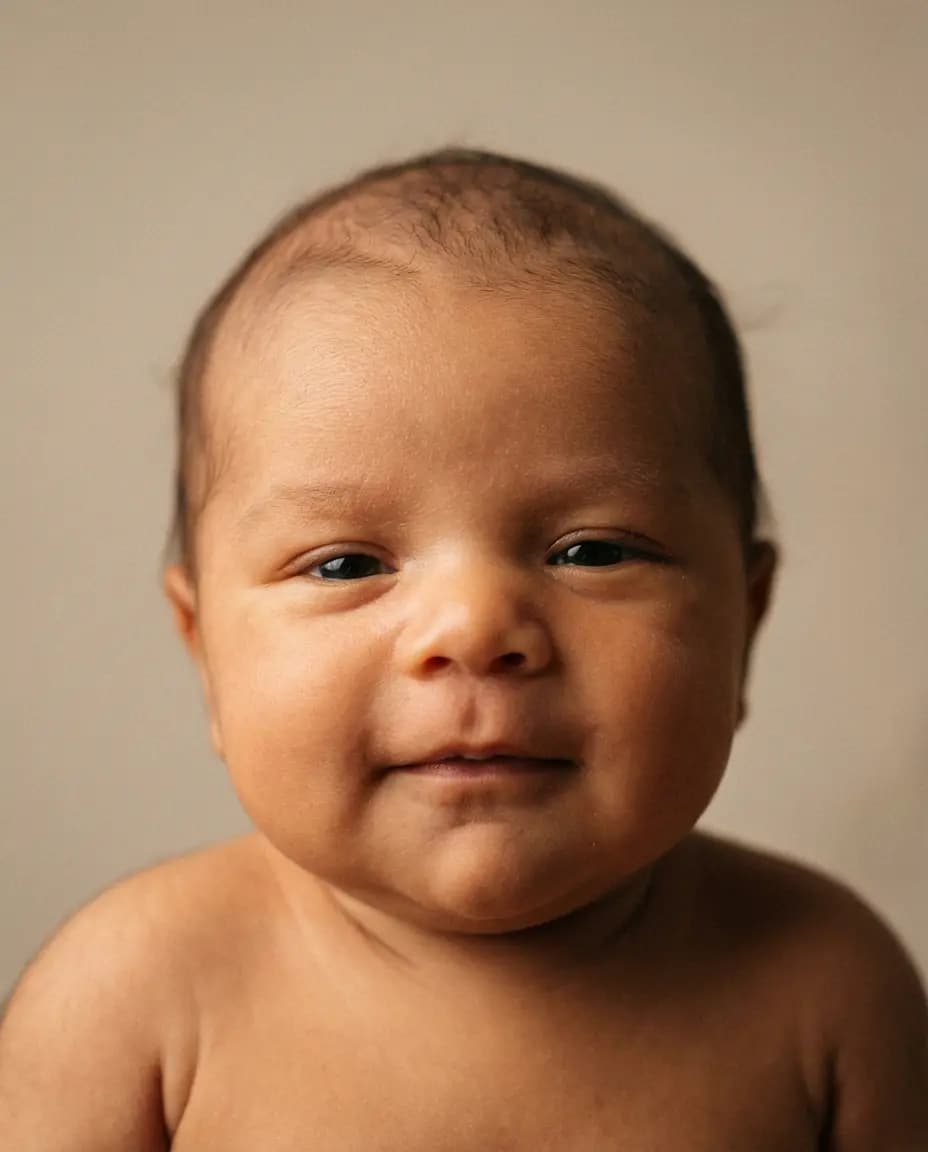
Try it with your ultrasound
Upload your image, add a few details and your email, then choose a portrait or pack. Your own images are created after payment and delivered through a private gallery.
A clear still image with the face visible gives the AI more detail to work with.
How it works
From your scan to a private gallery.
Upload your ultrasound
Choose a clear still image from your phone or computer. A 3D or 4D image with the face visible gives the AI more detail to work with.
Add details, choose a portrait
Add a few details and your email, then choose a portrait or pack.
Open your gallery
Your portraits are created after payment and delivered to a private online gallery to download and share.
Likeness
Will an 8K ultrasound portrait look like my real baby?
You may recognize a facial outline or a familiar-looking nose in the portrait. You may also notice features that differ from the scan. Angle, shadows and the model’s own additions all affect the image.
The example above shows the kind of artistic transformation the service can make. It cannot demonstrate how closely a future baby will resemble the portrait: the “after” image is AI-generated, not a newborn photograph.
Think of the result as a keepsake to enjoy during the wait. It is not a prediction, a medical image or a way to assess your baby’s health. There is no guaranteed likeness percentage.
What the AI adds — and what it cannot recover
Visible contours can give the model a starting point for the face. It then supplies color, skin texture, lighting, hair and other details beyond what is visible in the scan. Those additions are generated rather than measured.
If part of the face is hidden, the AI may fill it in with a plausible feature. That can make the portrait look complete, but it does not reveal what was actually behind a hand or in a shadow. A sharper-looking result is not necessarily a more faithful one.
Before you upload
How to choose an image to upload
Start with the original file.
Use the digital image from your scan if you have it. Repeated screenshots or a photo of a print can add blur, reflections or glare.
Choose the clearest face, not the prettiest frame.
Look for visible facial contours. Avoid an image dominated by a hand, deep shadow or a side angle that hides most of the face.
Use a still image.
For a 4D recording, choose a clear frame rather than uploading the video. The upload accepts JPG, PNG or WEBP files up to 8 MB.
A clear 2D image can work, but it gives the model less surface detail. Expect more variation than with a clear 3D or 4D image.
FAQ
Other questions about ultrasound enhancement
What is the difference between 3D, 4D and “8K” ultrasound?
A 3D ultrasound shows a rendered surface image; 4D adds movement. “8K ultrasound” is a name used by portrait services for enhancing a scan into a photographic-looking keepsake. Here, AI creates a portrait from an existing scan.
Do I need to book an 8K ultrasound appointment?
No. ImagineMyBaby uses an image from a scan you already have. Some studios offer portrait enhancement alongside an appointment, but this service is online.
Can I upload a 4D ultrasound video?
Choose a clear still frame and save it as a JPG, PNG or WEBP file up to 8 MB. The upload is for images, not video.
Can I see my own portrait before paying?
The sample on this page is available before you upload. Your own portrait is created after you provide your email, choose an option and pay.
Will it work if my baby’s face is partly hidden?
The model may create a portrait, but it cannot reliably recover hidden features. It may invent or change details. Use a clearer image if you have one.